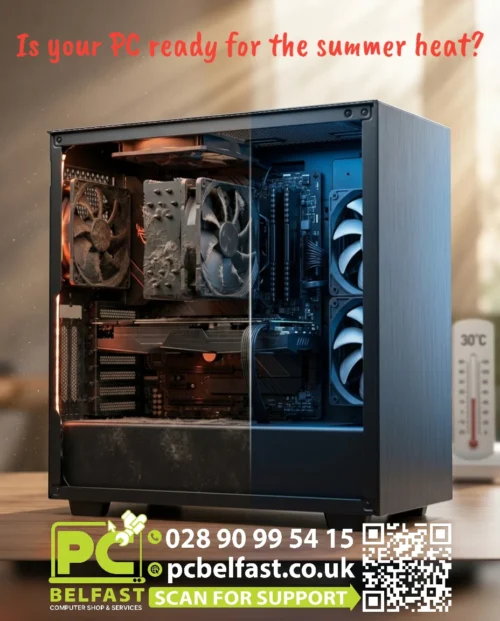
Is Your PC ready for the summer heat?

-
- At PC Belfast, we provide professional PC Health Check services, complete computer servicing, internal cleaning, dust removal, cooling inspections, thermal paste replacement, hardware diagnostics, performance optimisation and general maintenance to help keep your computer running safely and efficiently throughout the summer. Below are a few tips to help you keep your computer at lower temperatures.
- – Keep your PC in a cool, well ventilated room. Avoid placing it in direct sunlight or close to radiators and other heat sources.
- – Make sure there is enough space around your computer. Leave several centimetres of clearance around the case so that air can flow freely.
- – Clean dust from your PC regularly. Dust blocks airflow and reduces the efficiency of cooling fans, causing higher temperatures.
- – Check that all cooling fans are working correctly. If you notice unusual noises or a fan has stopped spinning, replace it as soon as possible.
- – Monitor your PC temperatures. Use reliable software to keep an eye on your CPU and GPU temperatures, especially during hot weather.
- – Avoid blocking air vents. Never place your PC inside a closed cupboard or directly against a wall where ventilation is restricted.
- – Reduce unnecessary workload. During very hot days, close applications you are not using and avoid running demanding tasks for long periods if possible.
- – Keep cables organised. Good cable management helps improve airflow inside the computer case.
- – Replace old thermal paste if necessary. Over time, thermal paste can dry out and become less effective, leading to higher processor temperatures.
- – Consider upgrading your cooling. Additional case fans or a better CPU cooler can significantly improve cooling performance during the summer months.
 Home & Office Desktop